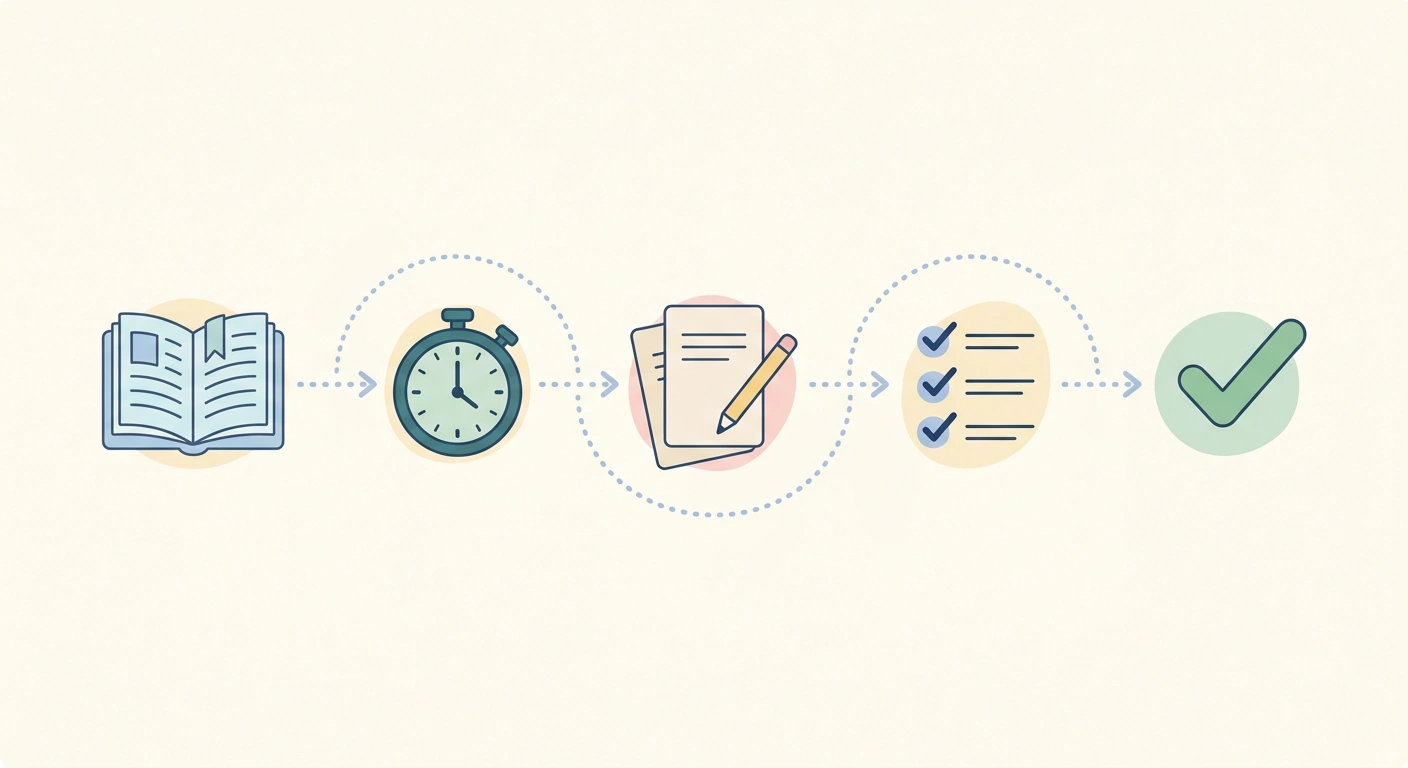
A collection of useful time management tools
⏱ Time Calculator
Managing time effectively is easier when you have the right tools for planning, tracking, scheduling, and staying focused. DailyToolSpot brings together free online time and productivity tools that can help students, professionals, freelancers, and anyone who wants to organize their day more effectively.
Use the tools below to calculate time, plan schedules, track work, manage deadlines, build routines, and improve focus.
Time Calculators

Time Calculator
The Time Calculator helps you add or subtract hours and minutes. It is useful for calculating durations, checking elapsed time, and working with multiple time values.
Hours Calculator
The Hours Calculator helps you calculate the amount of time between two times or work with hours and minutes for everyday planning and scheduling.
Meeting Duration Calculator
The Meeting Duration Calculator helps you work with meeting start and end times to determine the duration of a meeting.
Time Card Calculator
The Time Card Calculator helps you calculate work hours from time entries, making it useful for tracking shifts and reviewing weekly working hours.
Custom Workday Calculator
The Custom Workday Calculator helps you calculate working time based on your own workday settings, including customized schedules and working periods.
Date Calculator
The Date Calculator helps you calculate the difference between dates and work with dates for planning events, deadlines, projects, and other schedules.
Time Tracking & Work Hours
Time Tracking Tool
The Time Tracking Tool helps you record and organize time spent on tasks or activities. It can be useful for personal productivity, project work, and reviewing how your time is being used.
Time Value Calculator
The Time Value Calculator helps you evaluate time based on the values or inputs provided by the tool. It can be useful when comparing time-related activities and planning how to use available time.
Planning & Scheduling
Daily Routine Planner
The Daily Routine Planner helps you organize daily activities into a structured routine. Use it to plan tasks, study sessions, work periods, breaks, and other parts of your day.
Class Schedule Optimizer
The Class Schedule Optimizer helps students organize classes and build a more manageable academic schedule.
Project Deadline Calculator
The Project Deadline Calculator helps you work backward or forward from project dates to plan tasks and deadlines.
Focus & Productivity

Pomodoro Timer with Task List
The Pomodoro Timer with Task List combines focused work sessions with task organization. It can help you break larger tasks into manageable work periods and planned breaks.
Flow State Assistant
The Flow State Assistant is designed to help you create focused work sessions and reduce distractions while working on important tasks.
Productivity Focus Hub
The Productivity Focus Hub brings together productivity-focused features and resources for organizing focused work and managing tasks.
Deadlines, Dates & Countdown Tools
Countdown Generator
The Countdown Generator helps you create a countdown to a selected date or event. It can be useful for deadlines, exams, events, launches, and personal goals.
Discord Countdown Generator
The Discord Countdown Generator is designed for creating countdowns that can be shared with Discord communities and servers.
Sleep & Personal Time Planning
Sleep Cycle Duration Calculator
The Sleep Cycle Duration Calculator helps you plan sleep and wake times using selected sleep-cycle durations. It can be useful when experimenting with different sleep schedules.
Sleep Cycle Duration Calculator
Reading & Task Planning
Reading Time Estimator
The Reading Time Estimator helps you estimate how long it may take to read a piece of text based on its length and the selected reading speed.
Time Zones & World Clocks

Time Zone Converter Tool
The Time Zone Converter Tool helps you compare times across different time zones. It can be useful for remote work, international meetings, travel, and communication across regions.
World Clock Pakistan
It provides a quick way to check the current time in Pakistan and can be useful when coordinating activities across different locations.
Music timing tools are available in our Music & BPM Tools collection, including BPM, tempo, rhythm, note-length, delay, and beat-matching calculators.
Time & Productivity Tools at a Glance
| What do you need to do? | Recommended tool |
|---|---|
| Add/subtract time from a starting point | Time Calculator |
| Find the gap between two clock times | Hours Calculator |
| Total hours from multiple time-card entries | Time Card Calculator |
| Work a non-standard schedule | Custom Workday Calculator |
| Track time live as you work | Time Tracking Tool |
| Put a dollar value on your time | Time Value Calculator |
| Plan a full day’s routine | Daily Routine Planner |
| Organize a class schedule | Class Schedule Optimizer |
| Turn a deadline into a working timeline | Project Deadline Calculator |
| Create a countdown to an event | Countdown Generator |
| Share a countdown on Discord | Discord Countdown Generator |
| Calculate days between two dates | Date Calculator |
| Compare times across time zones | Time Zone Converter Tool |
| Check current time in Pakistan | World Clock Pakistan |
| Work in short, timed focus intervals | Pomodoro Timer with Task List |
| Focus on longer, uninterrupted work | Flow State Assistant |
| Estimate reading time for a text | Reading Time Estimator |
| Plan sleep and wake times by cycle | Sleep Cycle Duration Calculator |
How These Tools Can Work Together

Time and productivity tools are often more useful when combined rather than used individually. For example, you can use a planner to organize your tasks, a time calculator to estimate durations, and a countdown tool to keep track of an approaching deadline.
Example: Planning a Student’s Finals Week
A student could use the Daily Routine Planner to organize study sessions, the Project Deadline Calculator to plan assignments, the Pomodoro Timer with Task List for focused study periods, and the Countdown Generator to keep track of an upcoming exam.
Example: Managing a Remote Work Project
A remote worker could use the Project Deadline Calculator to plan milestones, the Time Tracking Tool to record time spent on tasks, the Hours Calculator to review working hours, and the Time Zone Converter Tool when coordinating meetings with people in other regions.
A Simple Daily Time-Management Routine
You can combine several of these tools into a simple daily workflow:
- Start with the Daily Routine Planner to organize the day.
- Use the Project Deadline Calculator for important project or assignment dates.
- Break larger tasks into focused sessions with the Pomodoro Timer with Task List.
- Use the Time Tracking Tool to monitor time spent on important activities.
- Check the Countdown Generator when working toward an important deadline.
- Review your schedule and adjust your plans as needed.
Frequently Asked Questions
Time management tools are online utilities that help you plan, calculate, track, schedule, and organize your time. They can be useful for studying, working, project planning, meetings, routines, and personal organization.
The right tool depends on what you need to calculate. Use the Time Calculator for adding or subtracting time, the Hours Calculator for working with hours and durations, and the Date Calculator for calculations involving calendar dates.
The Time Tracking Tool and Time Card Calculator can help you record and calculate work-related time. The best choice depends on whether you need to track activities over time or calculate hours from time entries.
Start by listing the activities you need to complete and assigning them suitable time periods. The Daily Routine Planner can help you organize those activities into a structured daily schedule.
Try dividing larger tasks into smaller focused sessions and scheduling regular breaks. The Pomodoro Timer with Task List can help you organize focused work periods while keeping track of tasks.
Use the Project Deadline Calculator to work with project dates and deadlines. Breaking a project into smaller milestones can also make it easier to plan the work required before the final deadline.
Use the Time Zone Converter Tool to compare times across different time zones. This can be especially useful for remote teams, international meetings, travel, and online collaboration.
The DailyToolSpot tools listed on this page are designed to provide free online access without requiring specialized software.
Explore More DailyToolSpot Tools
Time management is only one part of organizing your work and study. Explore the other DailyToolSpot tool collections:
- Study Tools — Tools for students, studying, and academic planning.
- Writing Tools — Writing, essay, outlining, and citation tools.
- Calculators — General, financial, grade, measurement, and other calculators.
- Converters — Online unit and measurement conversion tools.
- AP History Study Tools — AP History study, writing, grading, and preparation tools.
- Tool Library — Browse the complete collection of DailyToolSpot tools.